Face shaping
Jaw taper, eye size, nose width and chin lift, driven off the landmarks tracked each frame. The warp is local to the face, so the bookshelf behind you stays straight.
Jaw
Eyes
Nose
Chin
NixiCam is a Chrome extension that retouches, reframes and records your camera inside Google Meet, Zoom Web and Teams. Skin smoothing that leaves eyelashes alone, subtle face shaping, 23 colour looks, aspect-ratio cropping and a snapshot button. It runs on your own GPU and installs no camera driver, so it works on locked-down work laptops.
Two-day trial of everything, no card. Six looks stay free after that.

The Jaw and Eyes sliders here run the same WebGL shader the extension uses, on a still photo with hand-placed landmarks instead of a live tracker. Skin and Lip are approximated in the demo; in the extension they are separate shader passes.
Every control is live while you are on the call. Nothing needs re-rendering or a restart.
Jaw taper, eye size, nose width and chin lift, driven off the landmarks tracked each frame. The warp is local to the face, so the bookshelf behind you stays straight.
A bilateral filter, which is the useful kind: it flattens pore shadows, shine and redness but stops at edges, so eyelashes, brows, the iris and your hairline stay sharp.
Colour grades rather than gimmicks. Natural and Studio for work; Livestream Glow, Korean Dewy and Tokyo Cyber if you want something louder. One slider scales any of them down when it is too much.
Lip colour keyed to the lip outline in eight shades, eight iris colours, cheek blush and a highlight bloom. Useful when a call appears in your calendar ten minutes before it starts.
Most laptop webcams are underlit and slightly green. There is a soft frontal light, a green-magenta white balance correction, an exposure lift and teeth brightening.
Person segmentation runs locally, same as everything else, with blur adjustable from nothing to a full bokeh throw. No frames leave the machine to make it work.
Change aspect ratio, zoom up to 3× and drag to pan, without touching the camera. The cropped frame is the stream, so the other side gets a properly framed picture rather than a letterboxed one.
Pull a full-resolution still out of your own camera with the look and framing already applied. Optional before/after pair if you want to show someone the difference. Three and five second timers.
Record the tab your call is in, or just your own camera. Chrome mutes a tab while capturing it, so NixiCam routes the audio back to your speakers — nothing goes silent halfway through. Your mic can be mixed in.
These are the setups that come up most in support email.
You are the product on a pitch call. Natural or Studio at low intensity, Face Light up if the room is bad, framed to head and shoulders so you fill the tile instead of floating in the middle of it.
The 8am camera-on meeting you did not plan for. Smoothing, under-eye lift and shine control take the edge off without the plastic look that makes people ask if your camera is broken.
You can push it further than a work call would allow. Livestream Glow, K-Pop Idol and Tokyo Cyber are stage looks, and the intensity slider pulls the whole thing back in one move when it reads as too much.
Shoot 9:16 for Shorts, Reels and TikTok, or 1:1 for a profile loop, straight out of the browser. Zoom and pan to crop in, then record the camera to a WebM — no editor round trip just to reframe.
Record the tab the session runs in, with the call audio captured and still audible in the room. Mix your mic in; the finished WebM lands in your downloads when you stop.
Set the look, set the framing, hit the five-second timer and sit still. You get a full-resolution still with the retouch applied, or a before/after pair if someone needs convincing.
Face apps that stretch the whole frame are easy to spot: door frames bend, and the wall behind you breathes when you move. NixiCam computes displacement around the tracked facial vertices only, falling off smoothly to zero a short distance out. The jaw tapers; the room stays still.
You can watch it happen in the demo above — the Jaw and Eyes sliders there call the same shader.
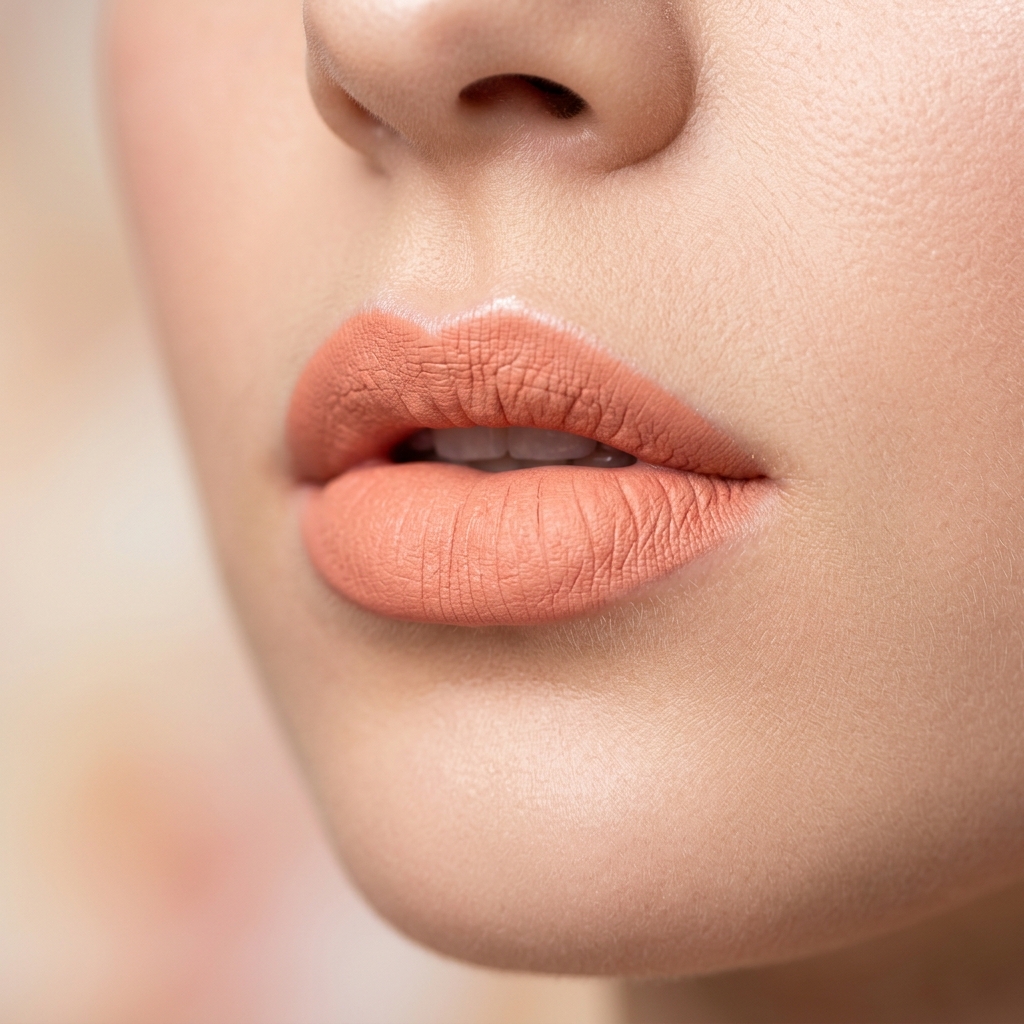
The colour is keyed to the vermilion border rather than painted into a fixed oval, so it holds when you talk and does not smear onto your teeth. Eight shades, matte through to gloss.
Camo, OBS and ManyCam route video through a virtual camera driver, which is a kernel-level install and needs administrator rights — commonly blocked on managed machines. NixiCam is an extension. It works inside Chrome's normal media APIs.
The honest caveat: if your organisation blocks the Chrome Web Store outright, you will still need IT to allow the extension.
Every frame is processed in WebGL2 on your GPU and discarded. The face landmarks come from a MediaPipe model bundled with the extension, not a service. Nothing is recorded unless you press record, and that file saves locally.
The extension makes exactly one network request in its life: verifying a licence key against Polar when you type one in. Details are in the privacy policy.
If what you want is to look better on a video call, without a production setup and without an argument with IT, this is how the options actually stack up.
| NixiCam | OBS Studio | ManyCam / Camo | Meet & Zoom built-in | |
|---|---|---|---|---|
| Needs admin rights or a driver | No | Yes | Yes | No |
| Works on a locked-down work laptop | Yes | No | No | Yes |
| Time to first call | About a minute | An evening | Install and restart | Already there |
| Face shaping | Jaw, eyes, nose, chin | No | No | No |
| Skin smoothing | Edge-preserving | Plugin, heavy on CPU | Blurs the whole face | One slider |
| Colour looks | 23 built in | Manual LUTs | A handful | One or two |
| Virtual makeup | Lips, eyes, blush | No | No | No |
| Reframing, zoom and pan | Yes, crops the stream | Yes | Yes | No |
| Adjustable mid-call | Yes | Second window | Second window | Limited |
| Where the work runs | GPU shaders | CPU encode | CPU encode | Cloud routing |
| Video leaves your machine | Never | No | Account / cloud | Yes |
OBS is a broadcast studio and does a great deal NixiCam does not — scenes, overlays, multiple sources. If that is what you are building, build it there. This is for the browser call you are already in.
Add it from the Chrome Web Store. No desktop installer, no driver prompt, no restart.
Meet, Zoom Web, Teams, Discord or anything else in the browser. NixiCam attaches to the camera stream the site asks for. Refresh the tab if it was already open.
Start with Natural and turn things up from there. Everything updates live, so you can adjust it mid-call without anyone seeing a freeze.
The only difference is how long the licence lasts. Two-day trial of everything when you install, no card. Six looks and the core controls stay free afterwards.
Billing runs through Polar. NixiCam never sees your card details.
If yours is not here, send a message and it will be answered by email.
If it is not for you, uninstalling takes one click and nothing was charged.
Add NixiCam to Chrome